1. Create a New Project From the »Quickstart HMI« Template
Once you've got HELIO downloaded, it's time to create your first project. We'll use a Project Template to get started more quickly. Let's get going…
- Sign In Using the Default IDE User
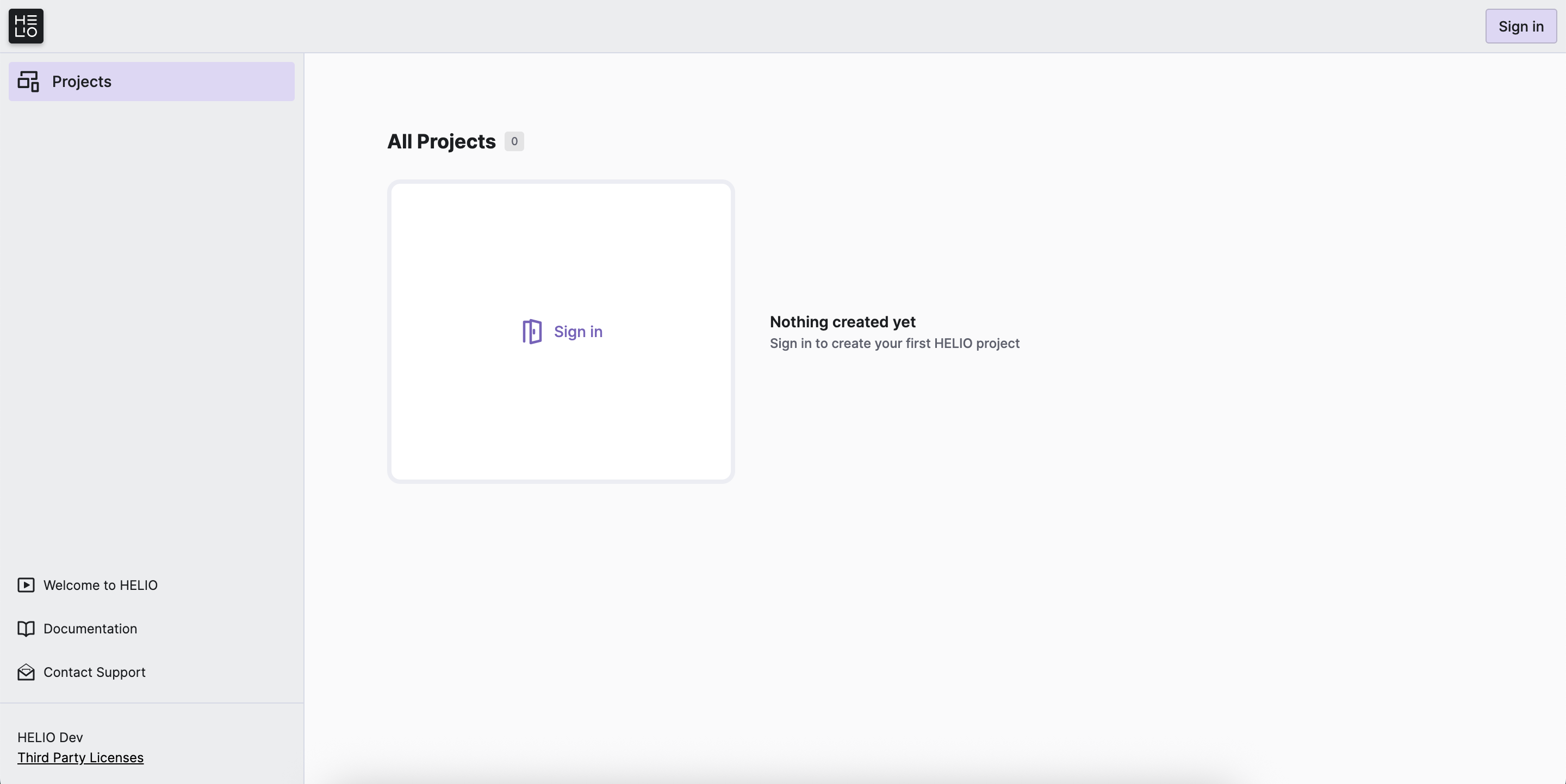
Click the Sign In button in the upper right corner. Enter the default IDE user credentials that come pre-configured with each HELIO runtime:
| Username | eve |
|---|---|
| Password | eve |
Don't Forget!
Remove this default user and create a user with a strong password using the IDE User Manager.
Open the
Home Pageand make sure you are signed in.Click
New Project.Choose
Quickstart HMIas your template.
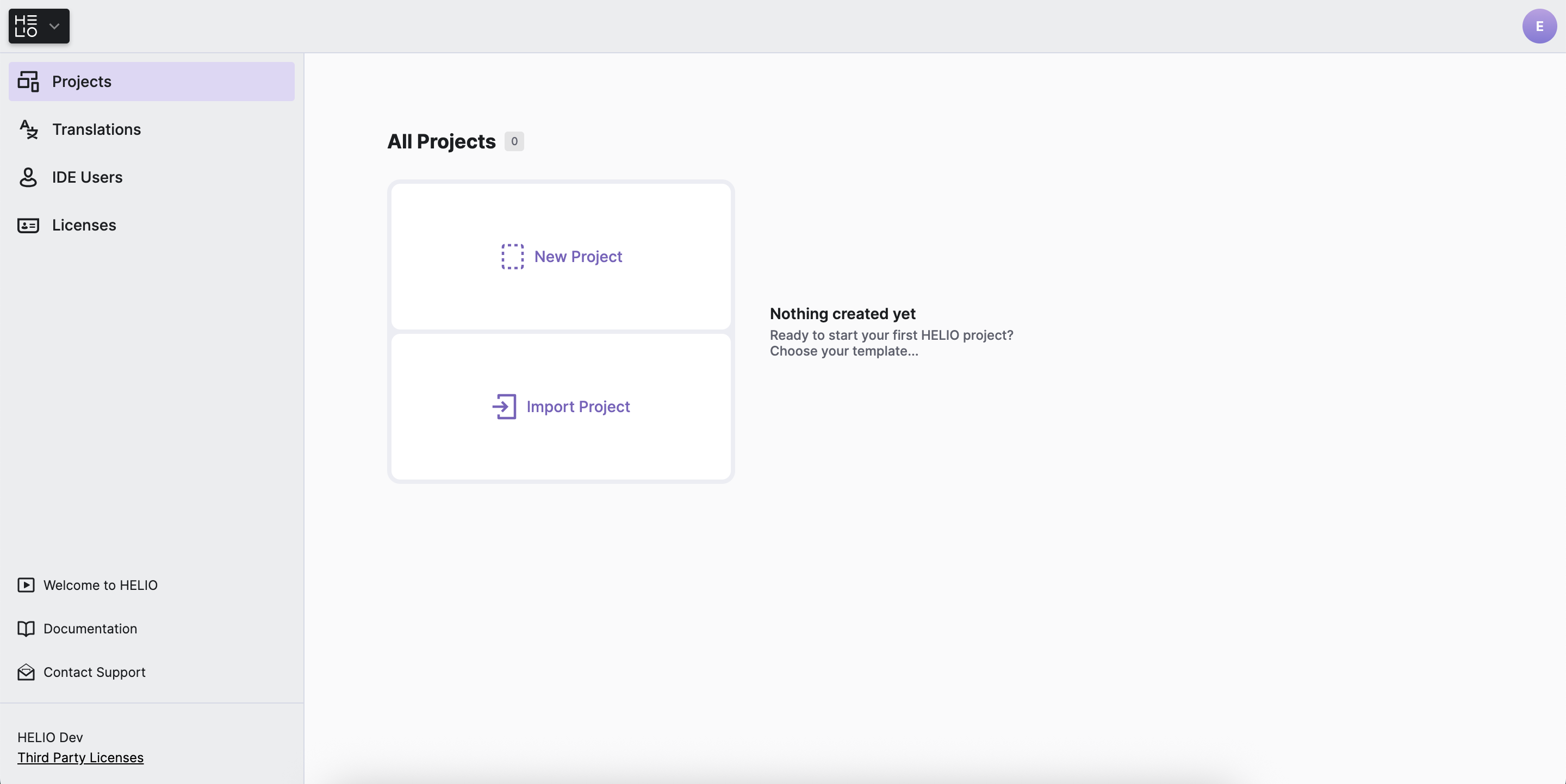
Start editing
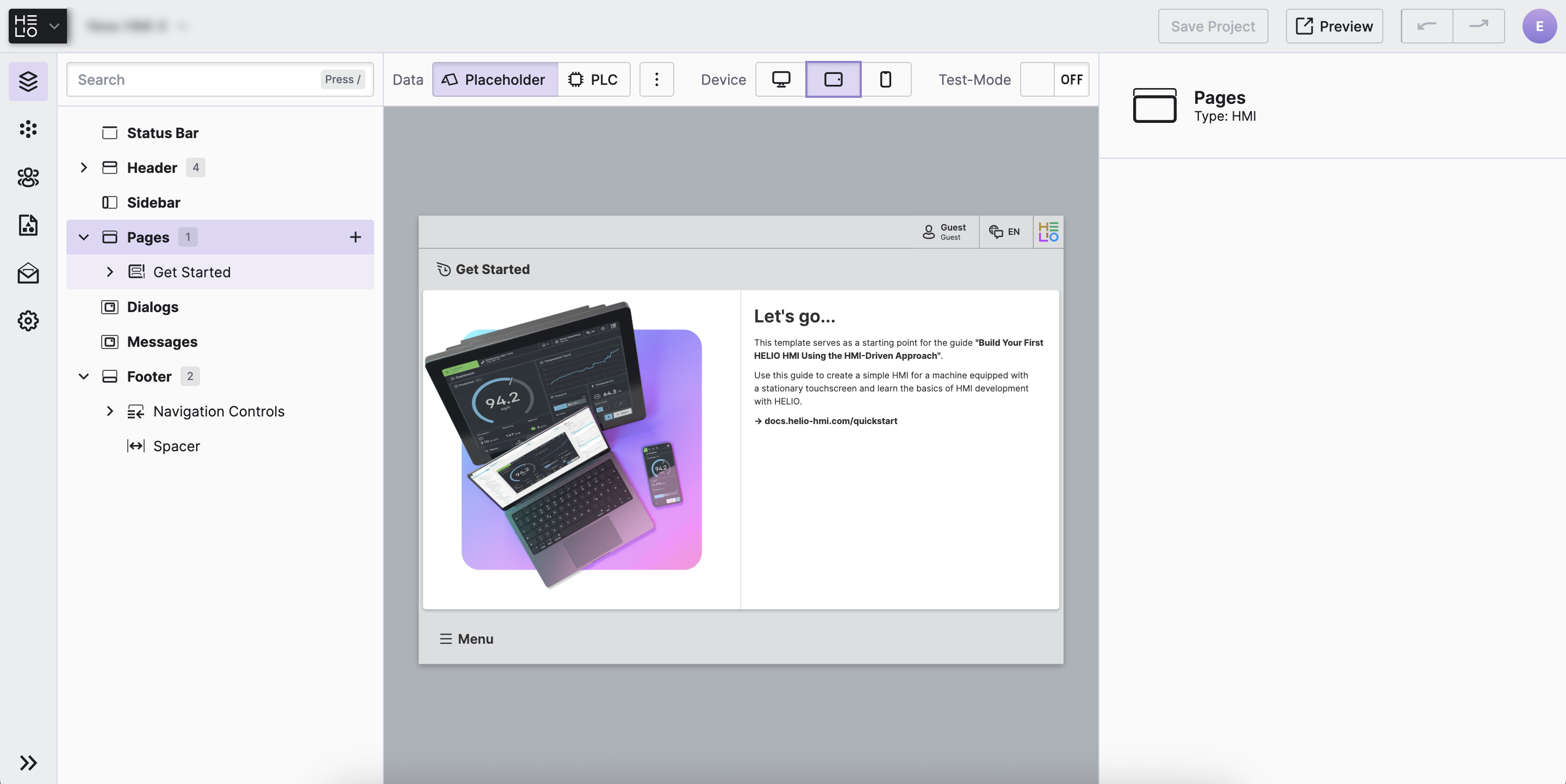
Mission accomplished!
You're ready to take on the next challenge…